
SnapRoom
Instant text & photo synchronization across devices via QR or Token
Released on Oct 10, 2026 · VirusTotal Verified
📱 App Screenshots & Interface
Preview genuine UI interactions — clean, responsive, and intuitive
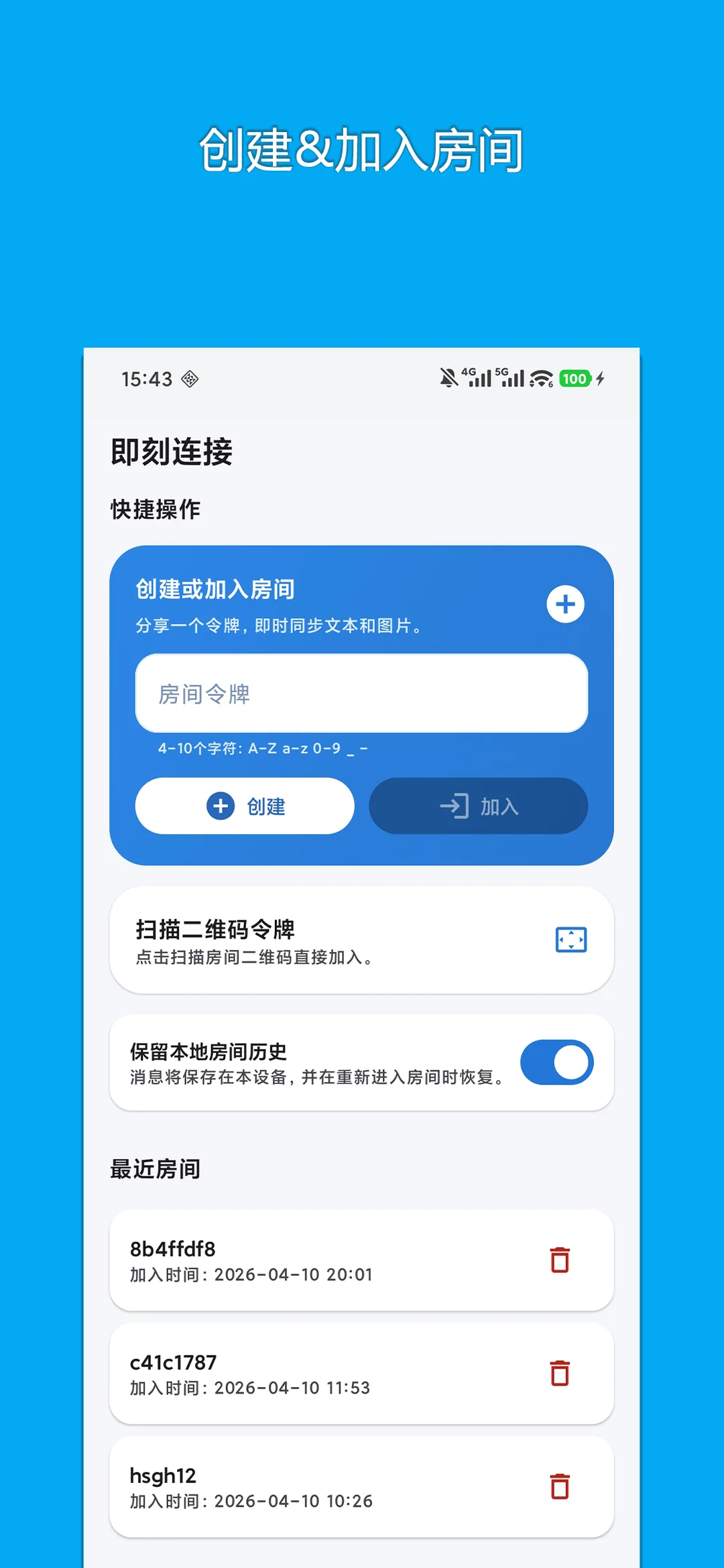
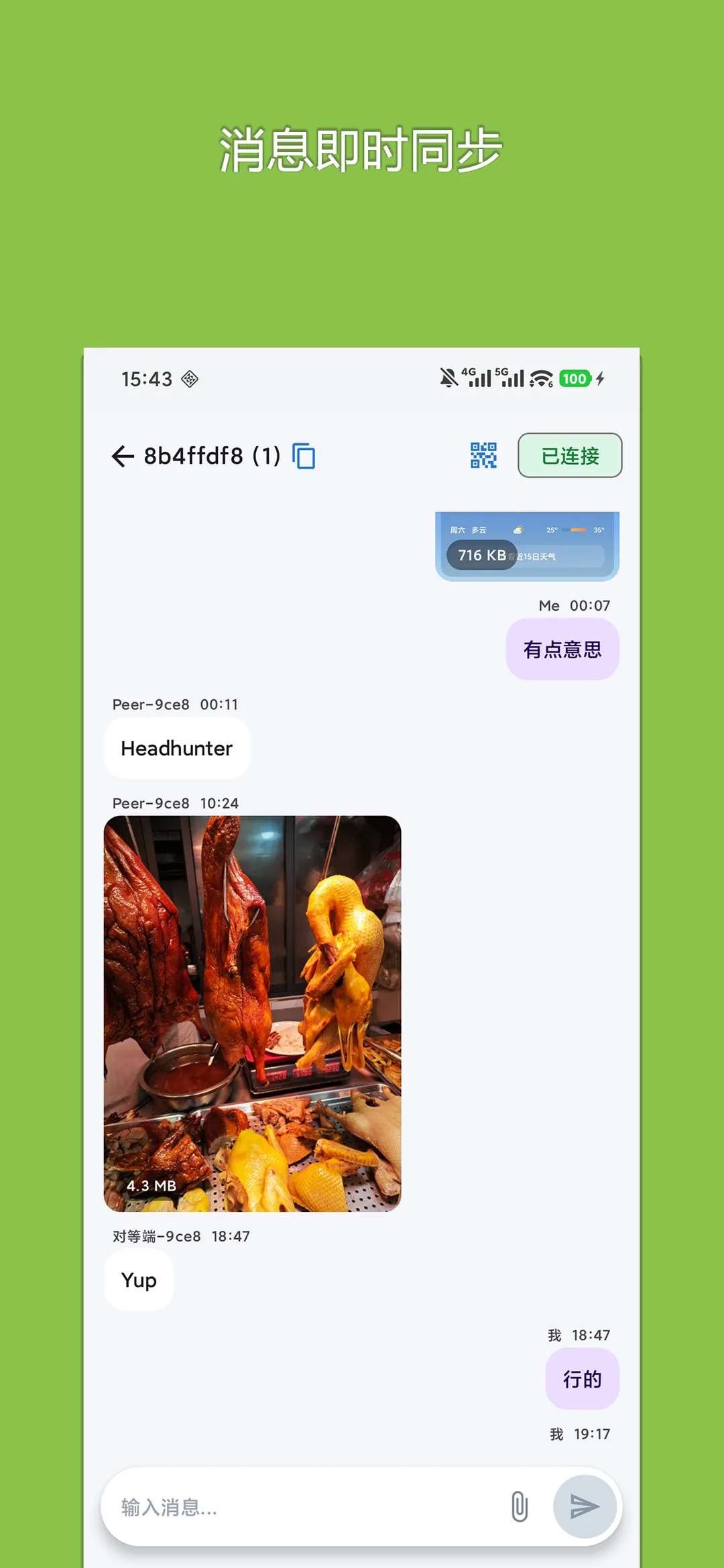
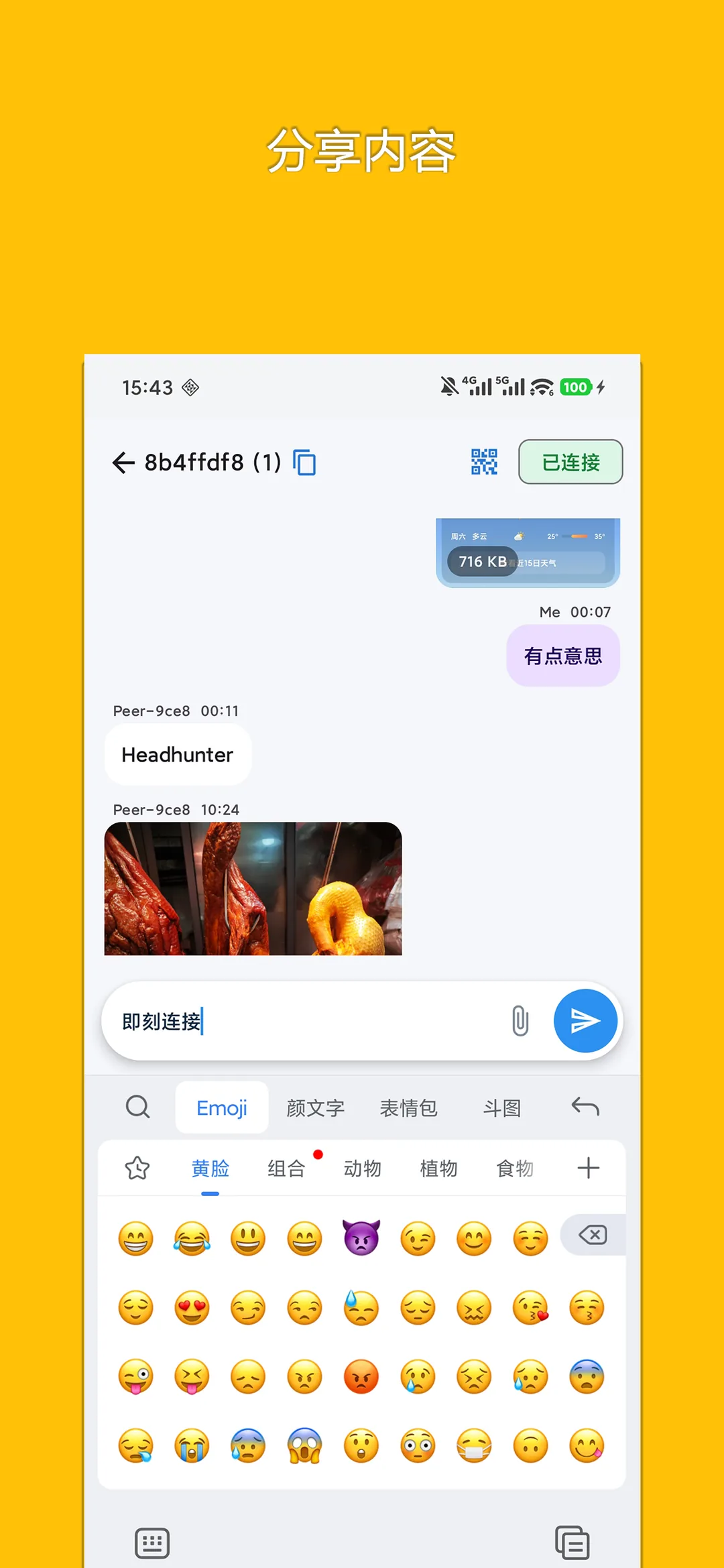
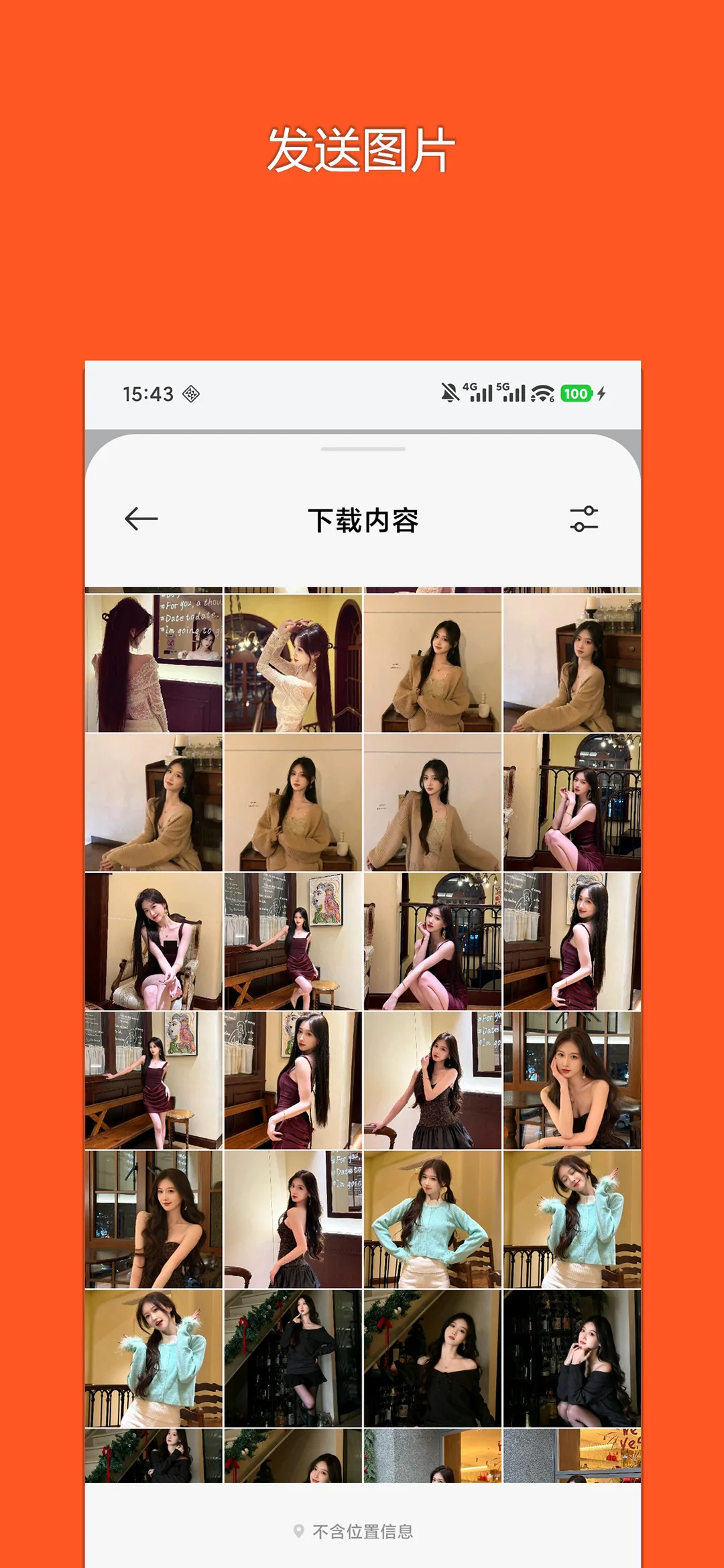
📖 Core Highlights & Features
No account needed. Enter a 6-digit pair token or scan a QR code to sync text snippets and high-res photos instantly across phones and computers.
Key Features:
- Zero registration or phone number required: open and start using immediately
- Connect two devices via a random pairing token or QR scan in milliseconds
- Seamlessly transfer clipboard text, notes, code snippets, and original photos
- Local network P2P accelerated transfers with zero server-side storage
- Ultra-lightweight 3.8MB installer, instant cold launch, no background daemon
🎯 3-Step Quick Start Guide
Generate Pairing Token
Open SnapRoom on sender device to auto-generate a 6-digit pairing token or QR code.
Join via Code or QR
Enter the code on the receiving device or scan the QR code to connect instantly.
Instant Sync & Sharing
Paste text or drop images to sync across both screens with one-click copy and save.
📢 Ad Transparency & Compliance Disclosure
This application is completely free to use. To cover server bandwidth, algorithm maintenance, and continuous upgrades, moderate reward or banner advertisements are incorporated (marked as "Contains ads" on Google Play). We strictly adhere to zero hidden paywalls, no aggressive popup hijacking, and zero third-party telemetry.
📝 Changelog & Version History v1.1.0
- • 1. Added numeric PIN passcode lock for room security, with support for clearing room history and closing rooms
- • 2. Support uploading and transferring more file types
- • 3. Support system one-tap sharing, batch sending multiple photos from gallery, and fast thumbnail loading
- • 4. Refreshed UI with modern Material 3 styling
- • 5. Fixed connection loss and message recovery issues when switching back from the background
Security Multi-Engine Verified
This package has been scanned across 60+ leading antivirus engines with zero malware or deceptive behavior.
💡 Encountering "Unknown Sources" warning?
Android triggers a standard generic safety prompt for APKs downloaded outside the phone vendor store. This is standard system behavior. Simply choose "Install Anyway" or enable "Allow from this source" in your phone Settings.