PDF Merge & Split Tools
Merge, split, reorder, and compress PDF documents
Released on Oct 12, 2026 · VirusTotal Verified
📱 App Screenshots & Interface
Preview genuine UI interactions — clean, responsive, and intuitive
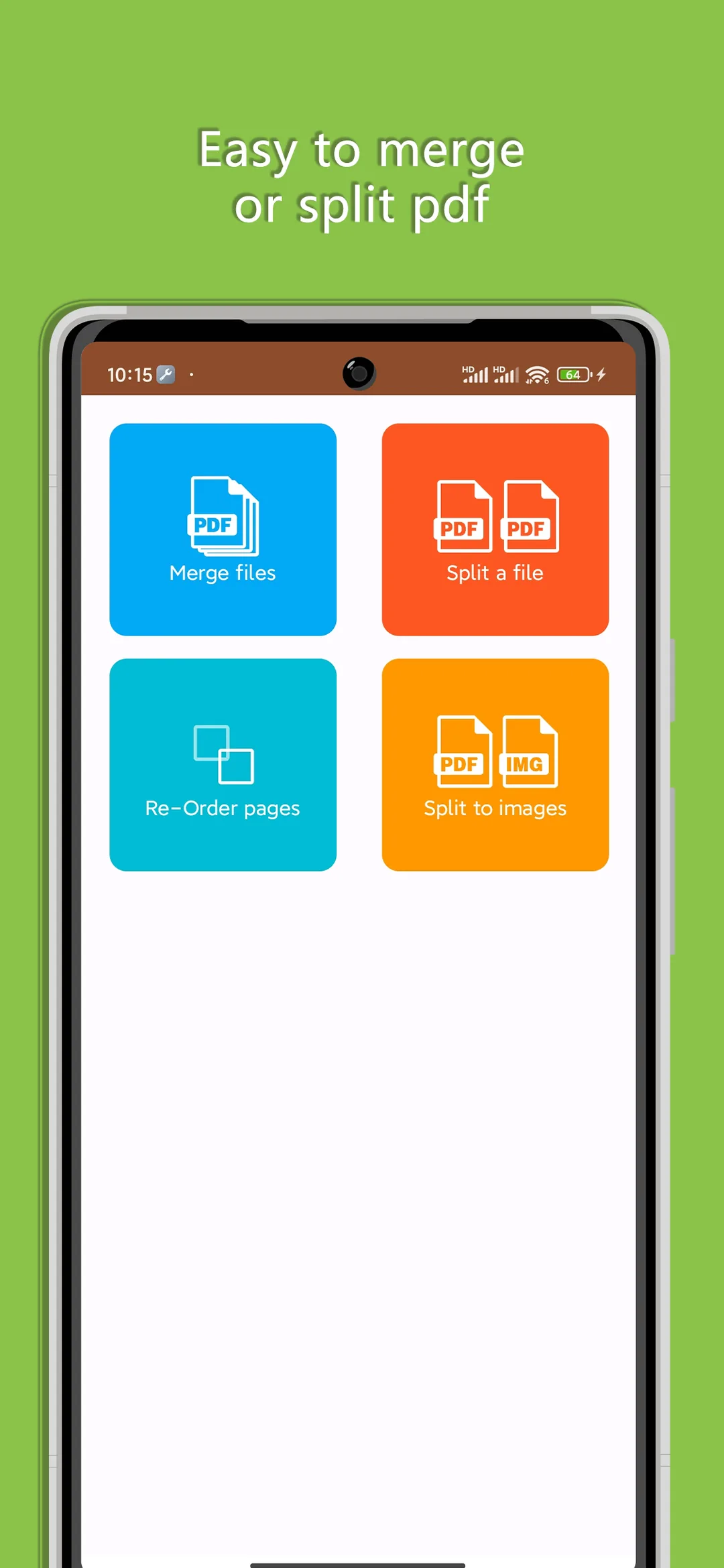
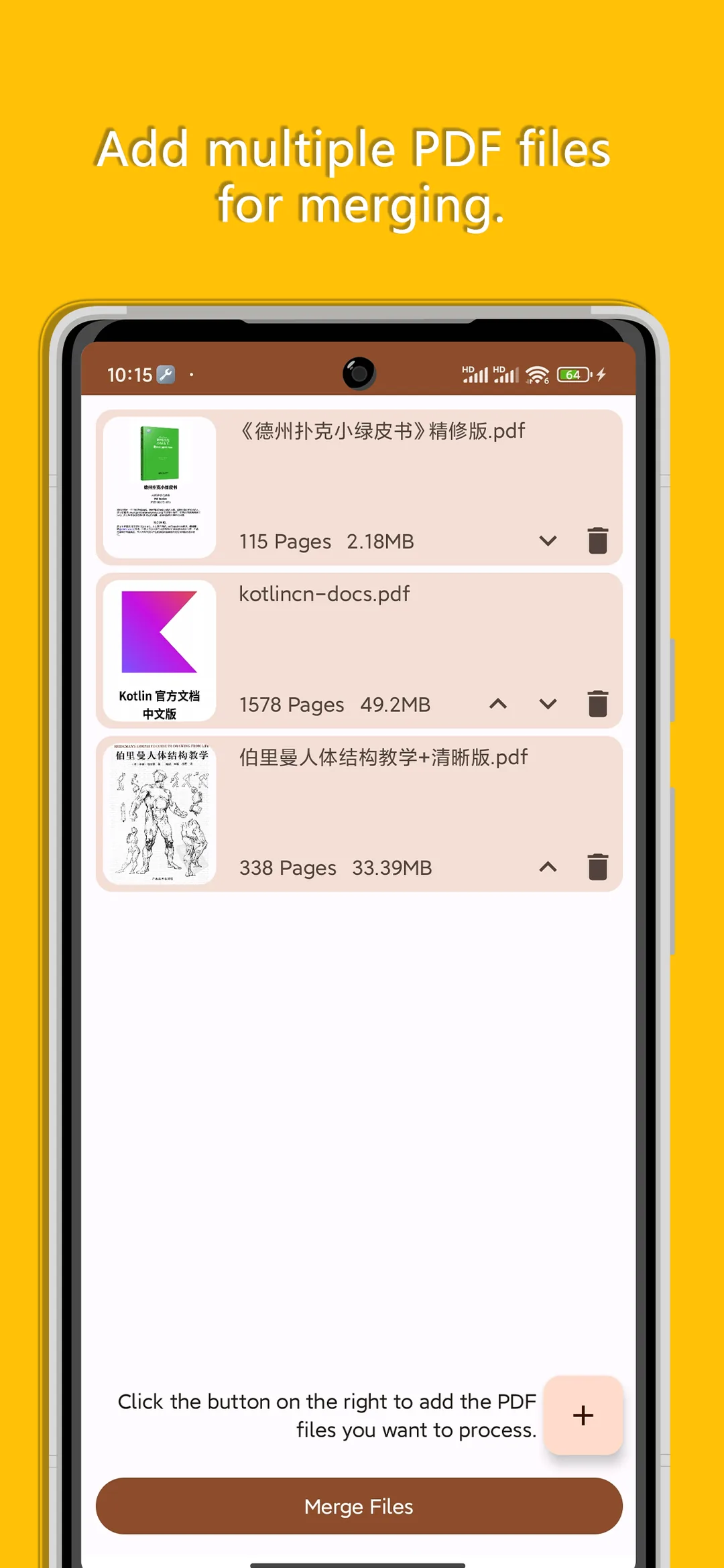
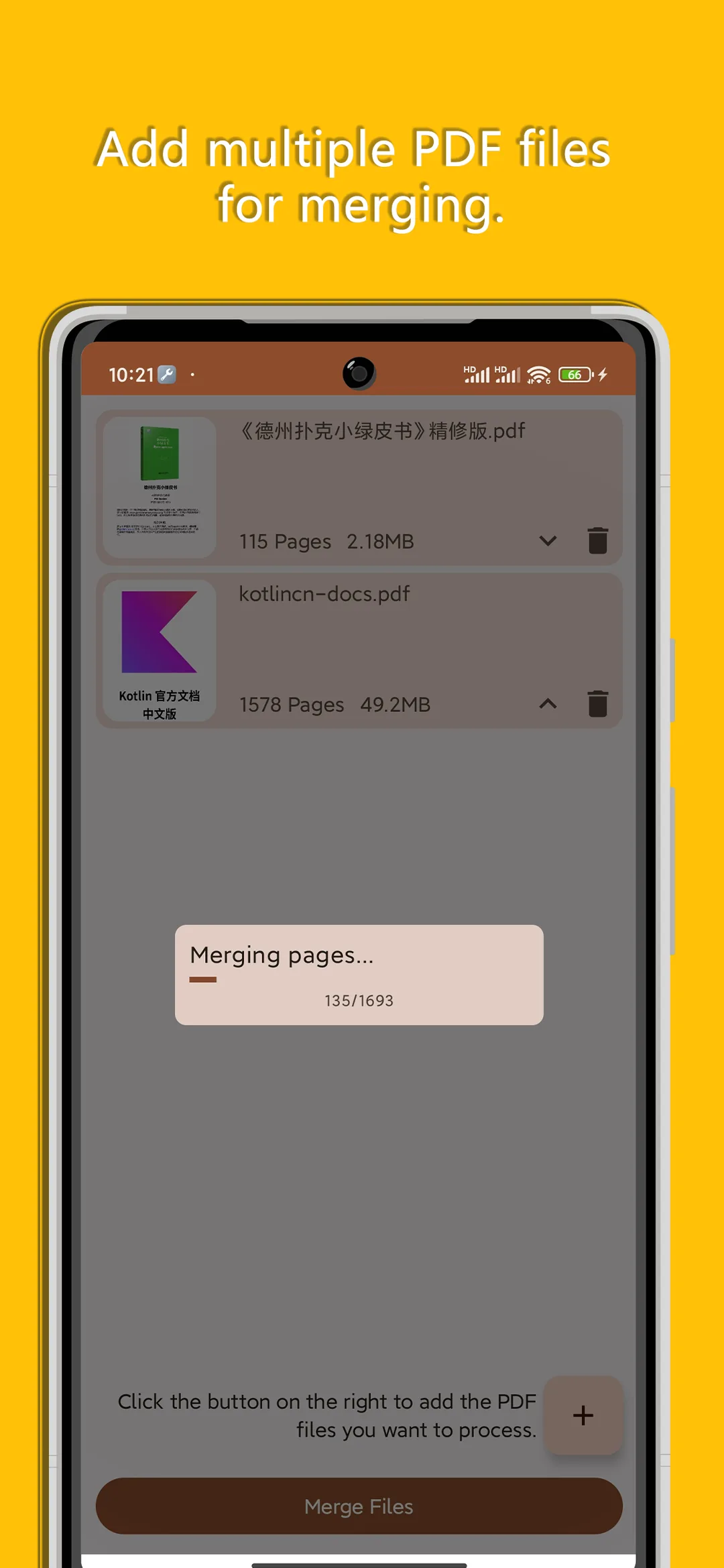
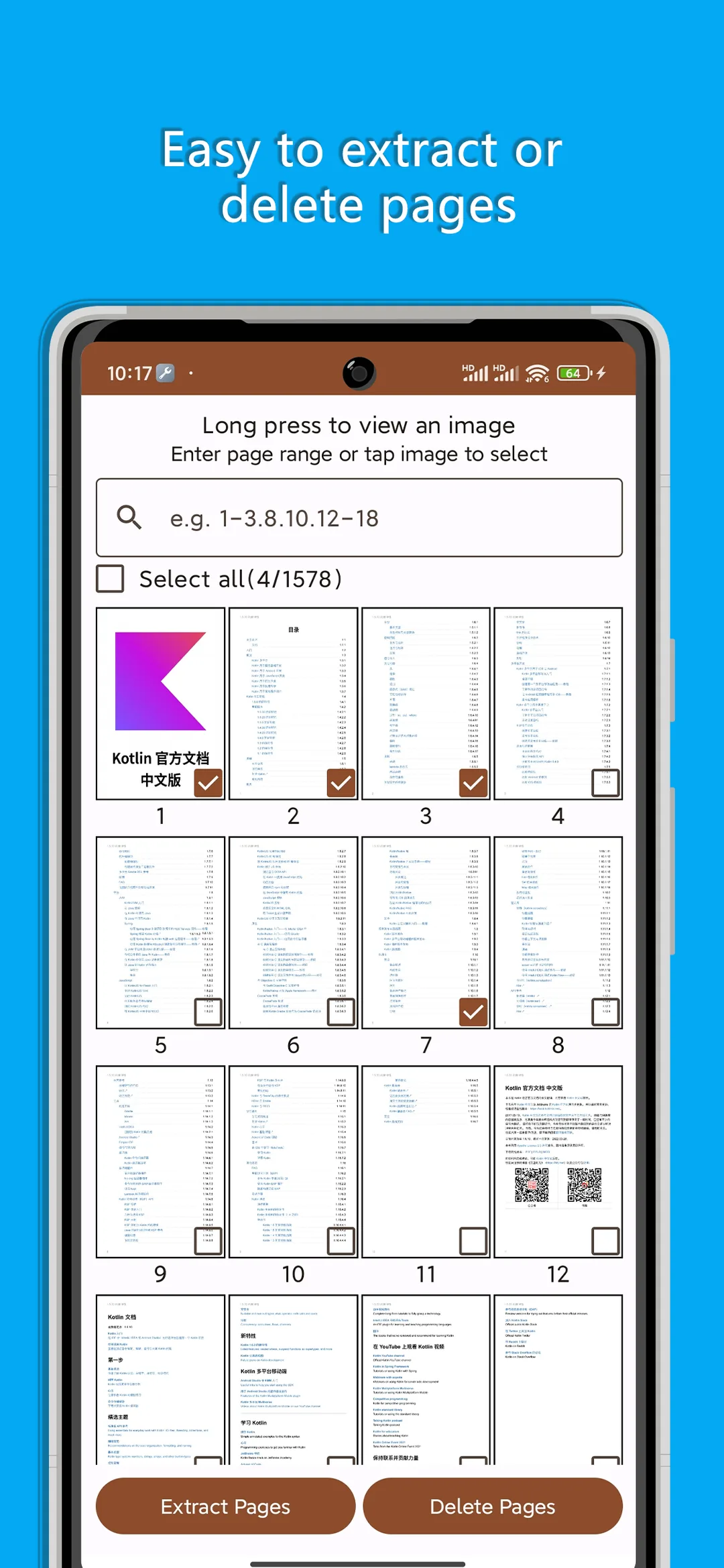
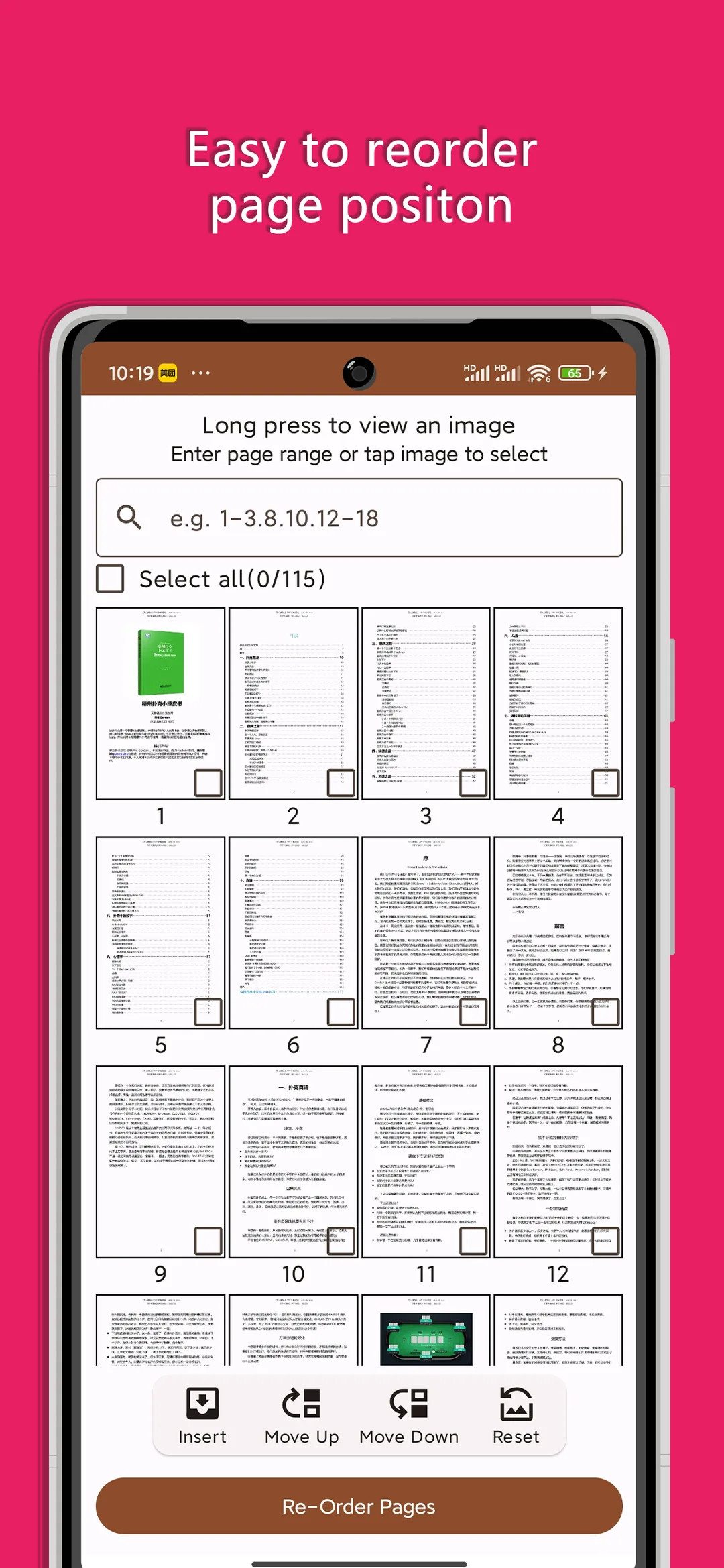
📖 Core Highlights & Features
Pure offline processing to safeguard privacy: merge multiple PDFs into one compact file, split by page range, reorder pages, compress, and export to images.
Key Features:
- Lightning-fast PDF merging with intuitive drag-and-drop page reordering
- Split large PDFs by custom page numbers or ranges, discarding blank pages
- 100% on-device offline sandbox processing; sensitive contracts never touch the cloud
- High-ratio PDF compression preserving text clarity while reducing file footprint
- Convert gallery photos to standardized PDF documents with one-tap sharing
🎯 3-Step Quick Start Guide
Choose Utility Mode
Select from Merge PDF, Split PDF, Page Reorder, or Compress PDF modules.
Pick Files & Reorder
Select PDF documents from device storage and drag list items to adjust sequence.
Process & Export
Tap 'Process'. The on-device engine completes the task instantly ready to save or share.
📢 Ad Transparency & Compliance Disclosure
This application is completely free to use. To cover server bandwidth, algorithm maintenance, and continuous upgrades, moderate reward or banner advertisements are incorporated (marked as "Contains ads" on Google Play). We strictly adhere to zero hidden paywalls, no aggressive popup hijacking, and zero third-party telemetry.
📝 Changelog & Version History v1.2.0
- • 1. Added PDF to TXT/Word, Rotate & Flip, Lock/Unlock, and Watermark tools with encrypted PDF support
- • 2. Added drag-and-drop reordering for files and pages, plus Undo support in Split & Extract
- • 3. Unified Split & Extract workflow and grouped multi-file merges into a single recent record
- • 4. Redesigned UI with Material 3, fixed blurry image export and zoom preview issues, and optimized memory usage
Security Multi-Engine Verified
This package has been scanned across 60+ leading antivirus engines with zero malware or deceptive behavior.
💡 Encountering "Unknown Sources" warning?
Android triggers a standard generic safety prompt for APKs downloaded outside the phone vendor store. This is standard system behavior. Simply choose "Install Anyway" or enable "Allow from this source" in your phone Settings.